Why a content calendar is not optional
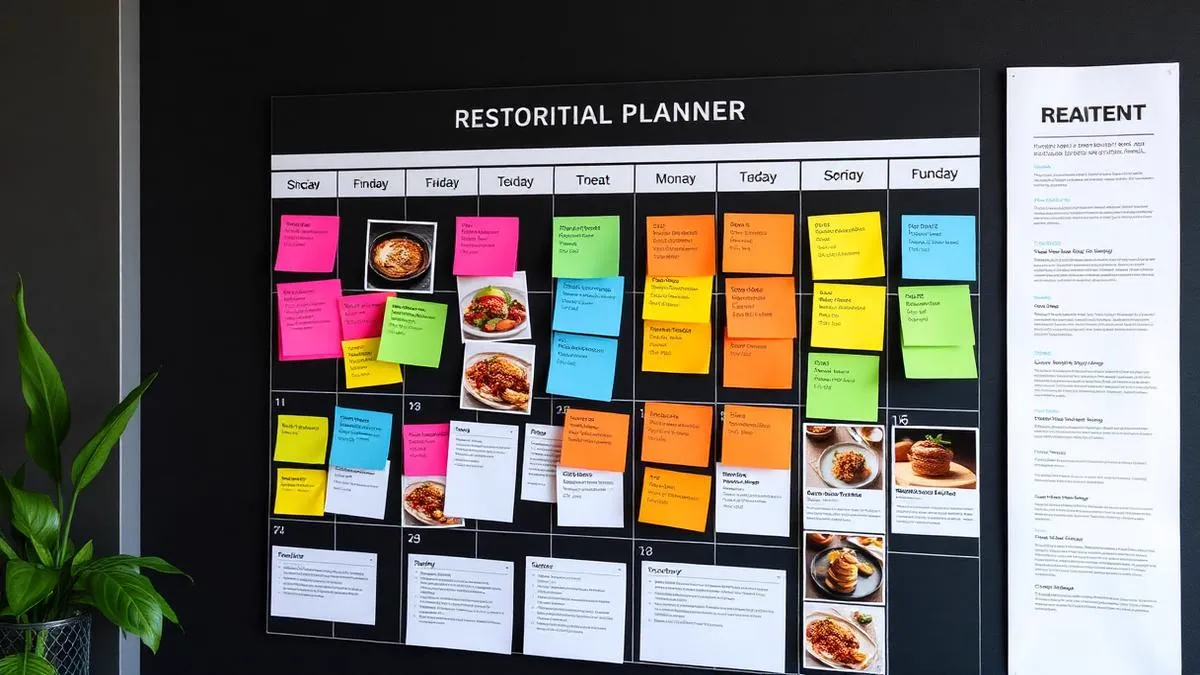
The difference between restaurants that post consistently and those that go quiet for three weeks is almost never talent. It is planning.
Without a calendar, posting depends on whether you happen to have time and inspiration on the same day. With one, the decisions are already made and publishing becomes execution rather than creation.
Restaurants that adopt a real calendar typically triple their posting frequency without spending more total time, because batching is far more efficient than improvising daily.
Building your calendar in 4 steps
- Define 4 or 5 content pillars: for most restaurants that is dishes, behind the scenes, team, guests, and offers.
- Map the month's events: holidays, local happenings, menu changes, anything with a date.
- Assign pillars to slots: decide which day carries which pillar, so no single theme dominates.
- Batch the production: block two hours once a week to shoot and write everything.
The batching step is what makes it sustainable. Shooting five dishes in one session takes far less time than five separate sessions.
30 post ideas to fill your month
Pull from this list whenever the calendar has a hole:
- Today's special, shot in natural light
- A dish being plated, in video
- Your signature item, close up
- Produce arriving in the morning
- A team member and what they do
- Your chef's own favorite on the menu
- The room before service starts
- A guest photo, reshared with credit
- A five-star review, as a graphic
- A sped-up recipe
- The story of how you opened
- Where your ingredients come from
- A seasonal menu change
- A question to your followers
- A poll in stories: which dish returns next month
- A cooking tip your guests can use at home
- A mistake people make about your cuisine
- Your busiest moment, filmed
- A quiet moment, filmed
- Something you are proud of that nobody notices
- A before-and-after of a dish's development
- Your drinks list or pairing suggestion
- A regular and their usual order
- Behind the pass during a rush
- A holiday menu announcement
- A local partnership or supplier
- Your space set up for a private event
- A dessert being finished
- A thank-you post after a strong week
- A direct invitation to book
A template week for a restaurant
📅 Template week
| Day | Format | Pillar |
|---|---|---|
| Monday | Photo | Dish of the week |
| Tuesday | Stories | Behind the scenes |
| Wednesday | Reel | Prep or plating |
| Thursday | Carousel | Menu or team |
| Friday | Reel | Weekend invitation |
| Saturday | Stories | Service in real time |
| Sunday | Photo | Guest content |
Adjust to your own rhythm, but keep the principle: a known slot for every format so nothing gets decided at the last minute.
Automating the calendar with Grattin
A calendar still has to be executed. Automation closes that gap: you approve the month, the system publishes it.
What that looks like in practice:
- Your content pillars set once, applied every week
- Posts scheduled at the times your audience is actually active
- Seasonal events and holidays factored in automatically
- Gaps flagged before they become three silent weeks
See plans to get the calendar running on its own.